Start with your goal
Change a color
Try a new color on a selected wall, surface or object.
Preview
Explore the workflow and prepare your design. Generation availability is checked in the workspace; these operations are still under verification.
- Bring
- A current photo or saved result, a selected region and a target color.
- Work toward
- A focused color variation when generation is enabled.
A clear path through your project
Step preview · No tasks are submittedExplore your workflow
Choose the steps you need and keep a short brief. Open the tool when you are ready to work.
Your saved workflows
Save your progress to continue on another device.
Your browser brief is never uploaded automatically when you sign in.
Step preview 1 of 4
Choose the current image
Start with the photo or result you want to modify.
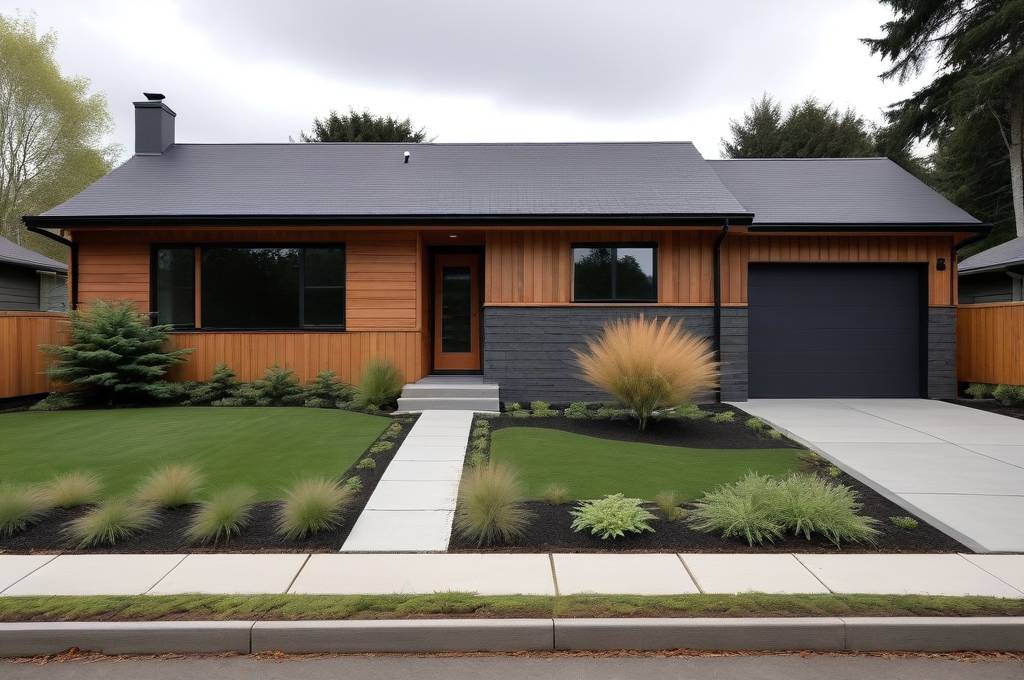
Gather the inputs listed above and describe what you want to change. Nothing is uploaded from this preview.
Keep your ideas moving
Your projects