Your design workflows
What would you like to create?
Choose a goal to see its steps, inputs and current availability.
Plan & build
Shape rooms, houses and outdoor spaces in 2D and 3D.
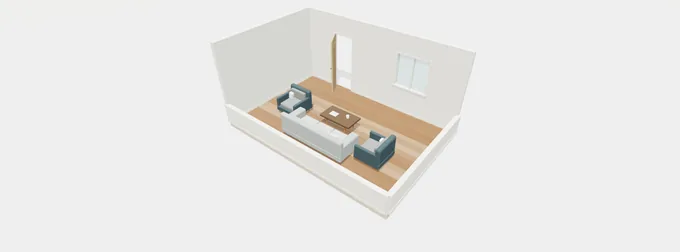
Plan rooms & furniture
Arrange walls, doors and furniture, then explore your layout in 3D.
- Set up your space
- Arrange the layout
- Explore in 3D
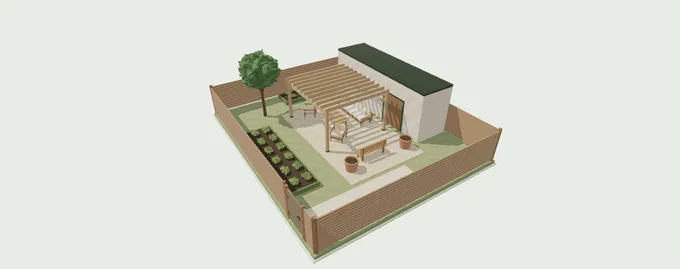
Build a house exterior
Join a main house, wings and a garage, then shape the exterior details.
- Choose your starting shape
- Join the house modules
- Shape the exterior
Plan a garden layout
Arrange a patio, paths, planting and outdoor furniture around your home.
- Set up the site
- Arrange the outdoor space
- Compare your options
Redesign a space
Start with a photo and explore a new overall direction.
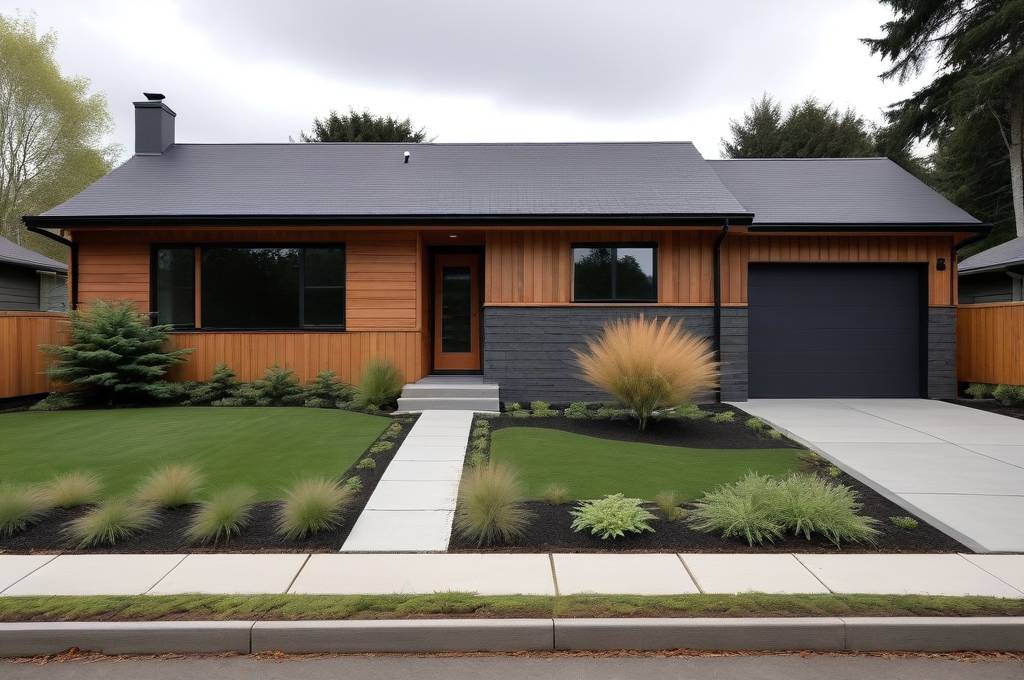
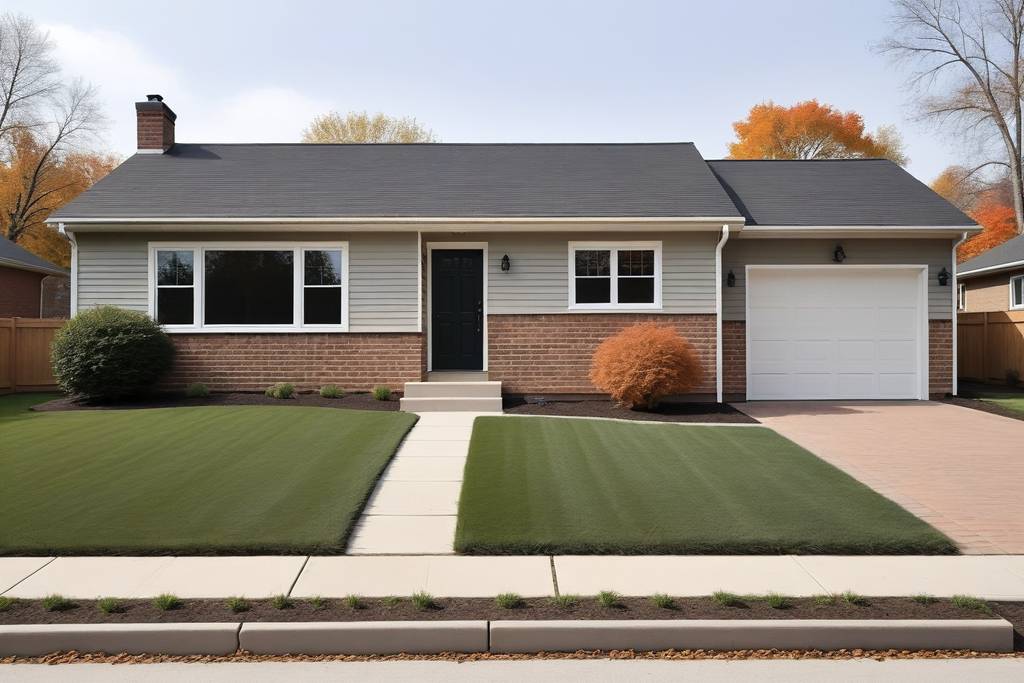
Redesign a home exterior
Explore colors, materials and styles from a photo of your home.
- Start with your home
- Choose a direction
- Create an exterior concept
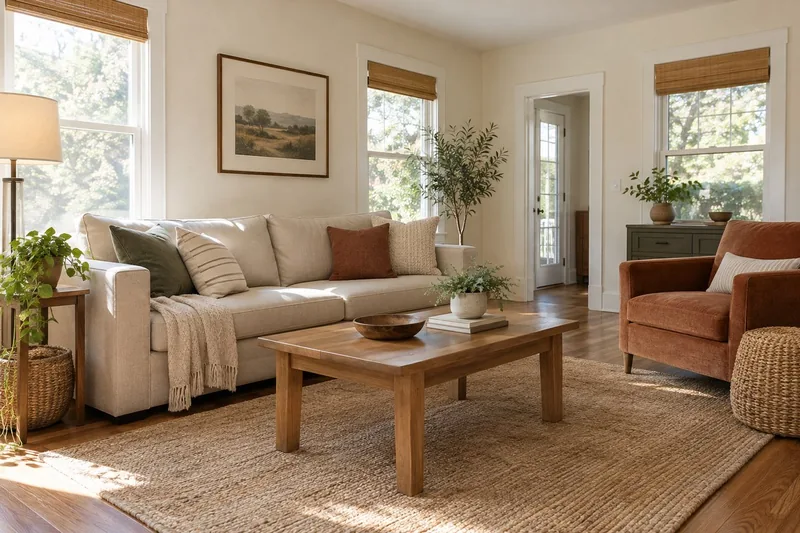
Redesign an interior
Find a new overall style for a room while keeping its familiar structure.
- Prepare your room photo
- Set the overall direction
- Explore an interior concept
Furnish an empty room
Explore furniture, color and atmosphere for an unfurnished space.
- Prepare the empty space
- Arrange furniture and atmosphere
- Review the layout
Design a patio living area
Explore an outdoor space for dining, relaxing or spending time together.
- Start with the patio
- Choose how to use it
- Explore a patio concept
Redesign a front or back yard
Explore a fresh landscape direction from a photo of your outdoor space.
- Choose the area
- Describe the changes
- Explore a garden concept
Change a detail
Focus on the colors and objects you want to change.
Change a color
Try a new color on a selected wall, surface or object.
- Choose the current image
- Mark the target
- Explore the new color
Replace an object
Try another sofa, table, fixture or selected object in its place.
- Choose the current image
- Identify the old and new object
- Explore the replacement
Add furniture or decor
Explore a new object in a specific place in your space.
- Choose the current image
- Choose the object and position
- Explore the addition
Remove clutter & repair
Clear selected objects and inspect the background they leave behind.
- Choose your starting image
- Mark the objects
- Explore a cleaner space
Render & refine
Explore how a sketch or model could look as a finished design.
Turn a sketch into a concept
Explore a finished design from a clear perspective sketch.
- Choose a perspective sketch
- Describe the design intent
- Render the concept
Render a model view
Explore realistic materials and lighting from a chosen 3D view.
- Confirm the model view
- Choose materials and lighting
- Explore the rendered view
Refine an existing render
Explore a more polished treatment of an existing design image.
- Choose the design image
- Define the improvements
- Create a refinement candidate
Present your ideas
Bring selected designs together for review and sharing.
Explain a design with diagrams
Organize confirmed design ideas into a clear visual explanation.
- Choose the design
- Confirm the information
- Compose the explanation
Create a presentation board
Bring selected photos and design concepts together with clear notes.
- Choose your project images
- Arrange the board
- Review and create
Make a design presentation video
Present selected design images in a planned visual sequence.
- Choose the images
- Set the sequence
- Create the presentation
Enhance image resolution
Prepare a larger version of a selected design image.
- Choose the original
- Choose the output
- Create an enhanced version