Render a model view
Explore realistic materials and lighting from a chosen 3D view.
Save a private model capture with its option and camera, then review a separate render. Rendering remains a preview; availability and credit cost are checked before confirmation.
- Bring
- A captured floor-plan or garden model view, or its downloaded view package.
- Work toward
- A rendered concept linked to its source view when generation is enabled.
Explore your workflow
Choose the steps you need and keep a short brief. Open the tool when you are ready to work.
Your saved workflows
Save your progress to continue on another device.
Your browser brief is never uploaded automatically when you sign in.
Confirm the model view
Capture a saved camera in either editor, or import a view package. Keep its immutable model, option and camera together.
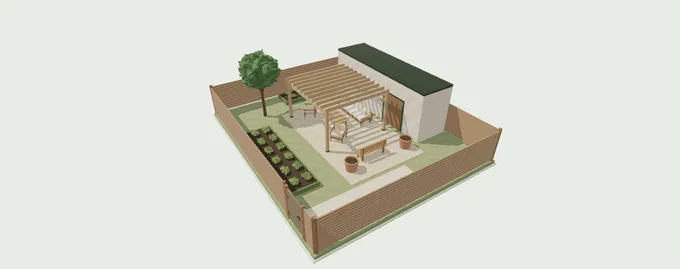
Use a view you have checked. Keep the editable layout alongside the image so you can return to its geometry later.
Where this can lead

Plan rooms & furniture
Arrange walls, doors and furniture, then explore your layout in 3D.
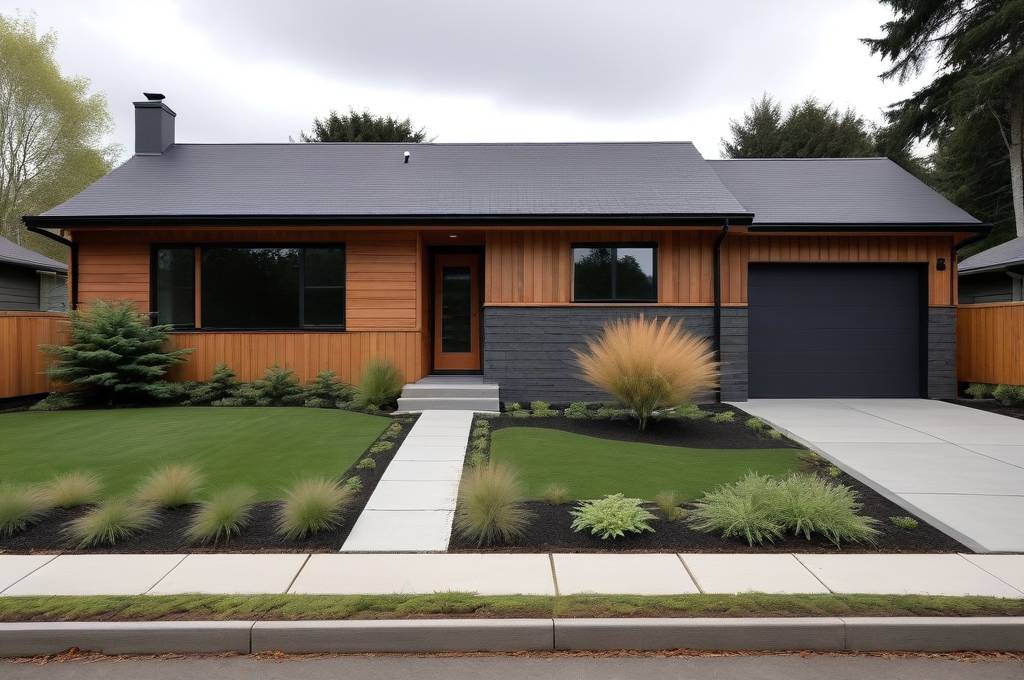
Build a house exterior
Join a main house, wings and a garage, then shape the exterior details.
Create a presentation board
Bring selected photos and design concepts together with clear notes.